
A 24-hour IPTV free trial is the safest way to judge a service. But most people waste it. They open three channels, see a picture, and decide. A stream that looks fine at 3 in the afternoon can fall apart at 9 on a football night. This guide gives you a simple plan to use the full 24 hours.
Why a 24-hour trial is the right length
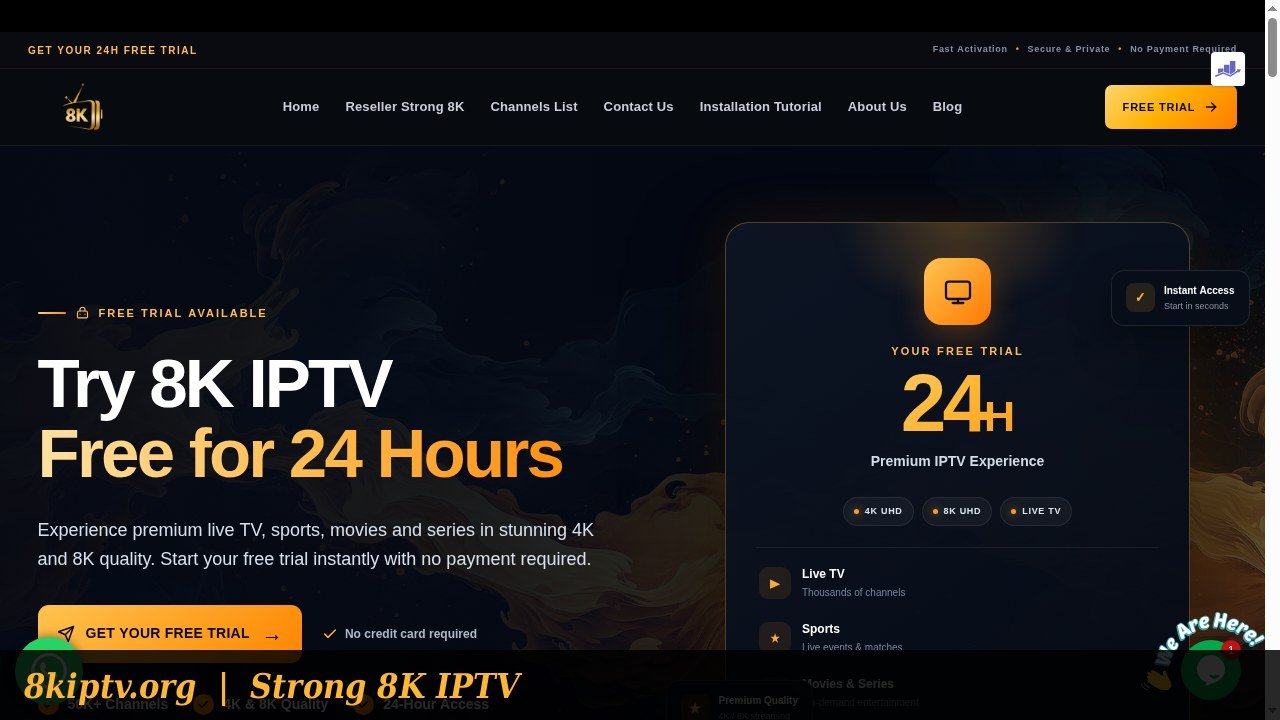
One day covers the full cycle of a normal week of viewing: a quiet daytime, a busy evening, and a live sports hour. Shorter trials of one or two hours often miss the evening peak, which is when weak servers struggle. You can get the free trial from this page and use it from the moment you receive the login.
Before you start the trial
- Pick the device you will actually use every day, not a spare one
- Check that the device has the latest system update
- Place it close to the router, or use a network cable
- Install the player first. The installation tutorial shows every step
The 8-point test plan
1. Start time
Open ten different channels one after the other. Count how long each takes to show picture. A good server starts most channels within a few seconds. Note any that hang.
2. Your main channels
Check the specific channels you want to pay for. Do not assume they are there. Use the search inside the app and also scan the channel list.
3. Live sports at a busy hour
If you watch football or other live sports, test during a live match. This is the hardest test for any server and the most honest one. Watch for freezing at key moments.
4. Movies and series
Open a few titles on demand. Skip forward and back. Check that the picture and sound stay in sync and that skipping does not break the stream.
5. Picture quality
Compare an HD channel and a 4K channel on your TV. Look at sharpness, motion on sports, and dark scenes. Remember that your TV and internet limit what you can see.
6. Evening versus morning
Test once in the morning and once in the evening. If it works well at both, the server can handle load.
7. Multiple devices
If your plan will have more than one connection, try two devices at the same time, such as the TV and a phone, to see that both play.
8. Support
Ask one real question during the trial. See how fast and how clearly you get an answer. Reach support from the contact page.
What to write down
Keep short notes on your phone: the time, the channel, and the problem. When you decide, you will have facts instead of a feeling. If something fails, send the notes to support. A good provider will look at them and fix what they can.
Signs the service passed
- Channels start quickly and stay stable
- Sports are watchable in the evening
- The channels you need are on the list
- Support answered within a reasonable time
- You did not need tricks or restarts to keep it running
Signs to move on
- Frequent freezing even on a strong connection
- Missing channels you were promised
- No reply from support during the trial
- Pressure to pay before the test finished
What if the problem is your network?
Before you blame the service, rule out your side. Restart the router and the device. Run a speed test and check you have enough speed for the quality you are watching. Try a cable. If other apps also buffer, the cause is your internet, not the server.
After the trial
If you liked it, choose the plan that fits: 1 month, 3 months, 6 months or 12 months. You can also read the full breakdown in our guide to the Strong 8K IPTV plans.
The trial is free, so use it properly. A little structure turns 24 hours into a real answer.
Frequently asked questions about the 24h trial
Do I need a credit card?
The trial on this site is requested from the free trial page and is designed so you can test before choosing a plan. Read the details on that page for the current steps.
When does the 24 hours start?
The clock starts when your trial login is activated, not when you install the app. So prepare the device first, then activate the trial when you are ready to watch. That way you do not waste hours on setup.
Can I test on more than one device?
Usually you can sign in on a second device, but streaming on both at the same time depends on the trial connection limit. If you want to test two screens, ask support before you start.
What if I run out of time?
If the day was disrupted, for example by an internet outage, write to support and explain. A fair provider will understand a real problem on your side.
What if the trial works but the paid plan does not?
The trial and the paid plans use the same service. If something differs, contact support right away with the details and they will check.
Best times to test
Plan three short sessions. One in the morning to check the basics. One in the late afternoon to check ordinary load. One in the evening, ideally with a live match, to see how it holds when many people are watching. Take notes in each session.
Trial mistakes to avoid
- Using the whole trial on one channel
- Testing only on your phone when you plan to watch on a TV
- Judging picture quality on a weak Wi-Fi spot
- Forgetting to test support
- Starting the trial late at night and sleeping through half of it
If you are ready to begin, open the free trial page and follow the steps. If you need help with the app first, use the installation tutorial.
What a good trial tells you about the company
A trial shows more than stream quality. It shows how the company behaves before it has your money. Was the trial easy to request? Did the details arrive quickly? Were the instructions clear? If a company is careful and helpful when you are only a free user, it is more likely to look after you as a paying customer. If it is slow, confusing or pushy at this stage, expect the same later.
A printable trial log
Copy this into your notes and fill it in during the day.
- Device and connection type (Wi-Fi or cable):
- Internet speed result:
- Time of the morning test and the result:
- Time of the evening test and the result:
- Number of freezes in 15 minutes of sports:
- Channels I needed that were missing:
- Support question and the reply time:
At the end, you will have a short page of facts. That is far better than a vague feeling at midnight.
After you decide
If the test went well, choose a plan that matches how you watch and how many screens you use at once. If you are still unsure, take the 1 month plan and keep your notes for the next review. If the test went badly, tell support what you saw, because a good provider wants to know. And if you chose to move on, you spent nothing but a day. That is exactly why a free trial exists, and why using it with a plan makes it worth far more than a quick look.
Keep the login private after the trial ends, and do not install the app on devices you do not control.