
Search for an 8K IPTV provider and you will find hundreds of websites that look almost the same. Same banners, same promises, same words like “premium” and “no buffering”. Only a few of them run a stable server and answer you when something breaks. This guide shows what to check before you spend money, so you can tell a real provider from a copy.
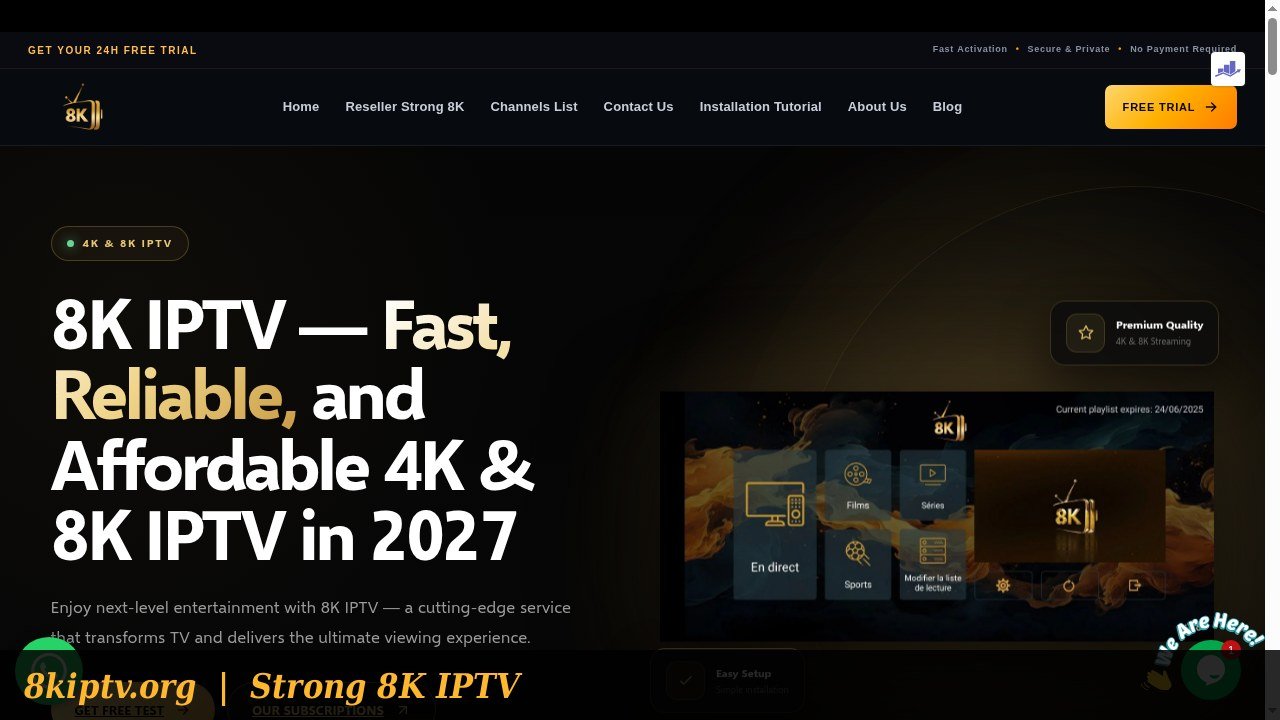
What an 8K IPTV provider actually does
An IPTV provider runs servers that send live channels and a movie and series library over the internet. You do not get a box or a dish. You get a login, you install a player app on your device, and the channels load inside that app. The provider is responsible for the server behind it: how many channels it carries, how fast streams start, and how often it goes down.
The “8K” in the name describes the top quality tier. Most channels still broadcast in HD or 4K, and only a small amount of content exists in true 8K. What you should care about is whether the server can hold a steady stream at the quality your TV and internet connection allow. Strong 8K IPTV is the server behind this site, and everything below is the checklist we would use ourselves.
Seven checks before you subscribe
1. A real free trial
A provider that trusts its server lets you test it first. Look for a trial that gives full access, not a few locked channels. Our 24-hour free trial is built for this: you can test live channels, sports, movies and your own device in one day. If a provider refuses any trial, treat that as a warning.
2. Support that answers
Streams fail sometimes. A bad internet moment, an app update, a device that needs a restart. What separates providers is the reply time. Before paying, send a short message and see how fast someone answers. Support here runs on WhatsApp and email every day, and you can reach it from the contact page or the support page.
3. Clear plans and plain pricing
Good providers list their durations and connection counts openly: 1, 3, 6 and 12 months, with one, two or three connections. You should see what you pay and what you get before you enter an email address. Compare the 1 month, 3 month, 6 month and 12 month plans and notice that nothing is hidden behind a form.
4. A channel list you can read
Counting channels is easy to fake, so ask to see them. A public channel list lets you check that the countries and sports you care about are there. The service carries 50,000+ channels and VOD titles across the USA, UK, Europe, Africa and the Arab world, and you can browse them without an account.
5. Device and app freedom
You should not be locked into one app. A solid provider works with common players on Smart TVs, Fire TV, Android TV, phones, tablets and computers. See our IPTV apps page and the installation tutorial for the full list and the steps.
6. Payment methods you recognise
Look for familiar options and a normal checkout. Odd payment requests through unknown chat accounts are a common scam pattern. Order only from the website checkout of the provider you picked, and keep your confirmation.
7. A history you can check
Brand names get copied constantly, and you will see many look-alike domains for popular IPTV names. The official site for this service is 8kiptv.org. If you are unsure whether a site is the real one, ask support before paying.
Red flags to walk away from
- Prices far below everyone else, with promises of “lifetime” access
- No trial and no way to test before paying
- Support that only exists as a form, with no live reply
- No list of channels or plans on the site
- Pressure to pay quickly through a private message
How to test a provider in one evening
Start the trial, install the player on the device you actually use, and watch the things you care about. Open your main sports channel at a busy hour. Skip through a few movies. Switch channels fast ten times and see how long each takes to load. Try it on Wi-Fi and, if you can, on a wired connection. If something is slow, write to support and see how they handle it. That single evening tells you more than any review.
Your internet matters too
Even the best server cannot fix a weak connection. For HD streams plan for at least 10 Mbps per device, and for 4K plan for 25 Mbps or more. Wired Ethernet beats Wi-Fi for the main TV. A router that is far from the TV, or busy with several devices, is the most common cause of buffering and it has nothing to do with the provider.
Where Strong 8K IPTV fits
Strong 8K IPTV is the service run through this site. It offers a 24-hour trial, plans from one month to twelve months, a reseller panel for people who want to sell, and support every day. If you want to see for yourself, start the free trial, check the quality on your own device, and pick a plan only if you like what you see. If you plan to sell the service to others, read about the reseller program.
Choosing an IPTV provider comes down to testing, not trusting. Use the checklist, run the trial, and pay only when the stream does what you need.
Questions people ask about IPTV providers
How long does a good provider stay online?
Brands in this market come and go. A provider that has been online for years, keeps one domain, and still answers messages is a safer bet than a new name with huge promises. Ask how long the service has run and whether the server has changed recently.
Is a cheaper plan a better deal?
Not by itself. A low price can mean an overloaded server shared by too many people. Compare price per month together with trial access and support. A fair price from a provider that answers is better than the cheapest price from one that disappears.
Should I buy a long plan right away?
Start with the trial, then a short plan if you want to be careful, then a longer plan once you trust it. A 12 month plan has the lowest monthly cost, but only buy it after you have watched the service in your own home for a while.
What if I move or change devices?
Your login is not tied to one TV. You can install the app on a new device and sign in again, within your connection limit. If you hit a problem, support can check your account.
Can a provider guarantee every channel?
No. Channels can change names, move or be replaced. A good provider tells you honestly when a channel is gone and replaces it where possible. If a channel matters to you, check it during the trial and ask support before you buy a long plan.
Common mistakes when picking a provider
- Judging by a short test at a quiet hour
- Buying a long plan before testing sports at peak time
- Paying through a private chat instead of the website checkout
- Ignoring your own internet speed and blaming the server
- Choosing by the biggest channel number instead of the channels you will watch
A short decision checklist
Write down the three channels or sports you care about most. Start a trial. Check those three first. Then check the start time of ten random channels. If those pass and support answers your question quickly, you have enough to decide. This takes less than one evening and it protects your money better than any review you will read online.