
How to Buy 8K IPTV Subscription With Crypto
Looking for an easy way to buy 8K IPTV subscription with crypto? Cryptocurrency can be a convenient payment option if you already use digital currencies and prefer an alternative to traditional card payments. In this guide, we explain how to choose your plan, select a cryptocurrency payment method, complete the transaction, and set up your IPTV service after payment.
Before you buy 8K IPTV subscription with crypto, it is important to check the current subscription plans, supported payment methods, connection limits, and device compatibility. Payment options and prices can change, so always verify the information displayed on the official website before completing an order.
Does 8K IPTV Accept Cryptocurrency?
The current 8K IPTV payment information lists cryptocurrency among the available payment methods. The listed cryptocurrencies include Bitcoin (BTC), Ethereum (ETH), and USDT.
If you want to buy 8K IPTV subscription with crypto, always check the payment options shown during the current checkout process because supported cryptocurrencies and payment methods can change over time.
You can check the latest plans directly on the official 8K IPTV website .
Which Cryptocurrencies Can You Use?
The current 8K IPTV terms list the following cryptocurrency payment options:
- Bitcoin (BTC)
- Ethereum (ETH)
- USDT
If you are new to cryptocurrency, you can learn more about Bitcoin , Ethereum , and USDT before making a payment.
How to Buy 8K IPTV Subscription With Crypto Step by Step
The process of buying an IPTV subscription with cryptocurrency is generally straightforward. You select your subscription, continue to checkout, choose an available cryptocurrency, and follow the payment instructions displayed by the official payment system.
Step 1: Choose Your 8K IPTV Plan
Start by visiting the official subscription page and review the available plans. Pay attention to the subscription duration and the number of connections included.
If you are a new customer, a shorter subscription can be useful for testing compatibility with your device and IPTV player before selecting a longer plan.
You can view the current subscription options here: 8K IPTV Subscription Plans .
Step 2: Check Device Compatibility
Before you buy 8K IPTV subscription with crypto, make sure your device can use a compatible IPTV player.
Depending on the available application, IPTV services can be used on platforms such as Fire TV, Android TV, Smart TVs, smartphones, tablets and computers. Compatibility depends on the specific device and IPTV application.
If you need help choosing a player, visit our IPTV player guide .
Step 3: Check the Subscription Duration
Choose the duration that fits your needs. Available plans can change, so review the current price and duration before continuing to payment.
If you only want to test the service, you can also check whether a trial is currently available.
The official website currently provides a 24-hour IPTV free trial for testing where available.
Step 4: Check the Number of Connections
Some IPTV subscriptions have a specific number of simultaneous connections. Before purchasing, check how many devices can use the account at the same time.
Do not assume that one subscription automatically allows unlimited simultaneous connections. Always follow the connection limits shown on the plan you purchase.
Step 5: Go to Checkout
After selecting your plan, continue to the official checkout page.
Before submitting your order, carefully check:
- Subscription duration
- Number of connections
- Total price
- Email address
- Selected payment method
Make sure your email address is correct because subscription information and order notifications may be sent there.
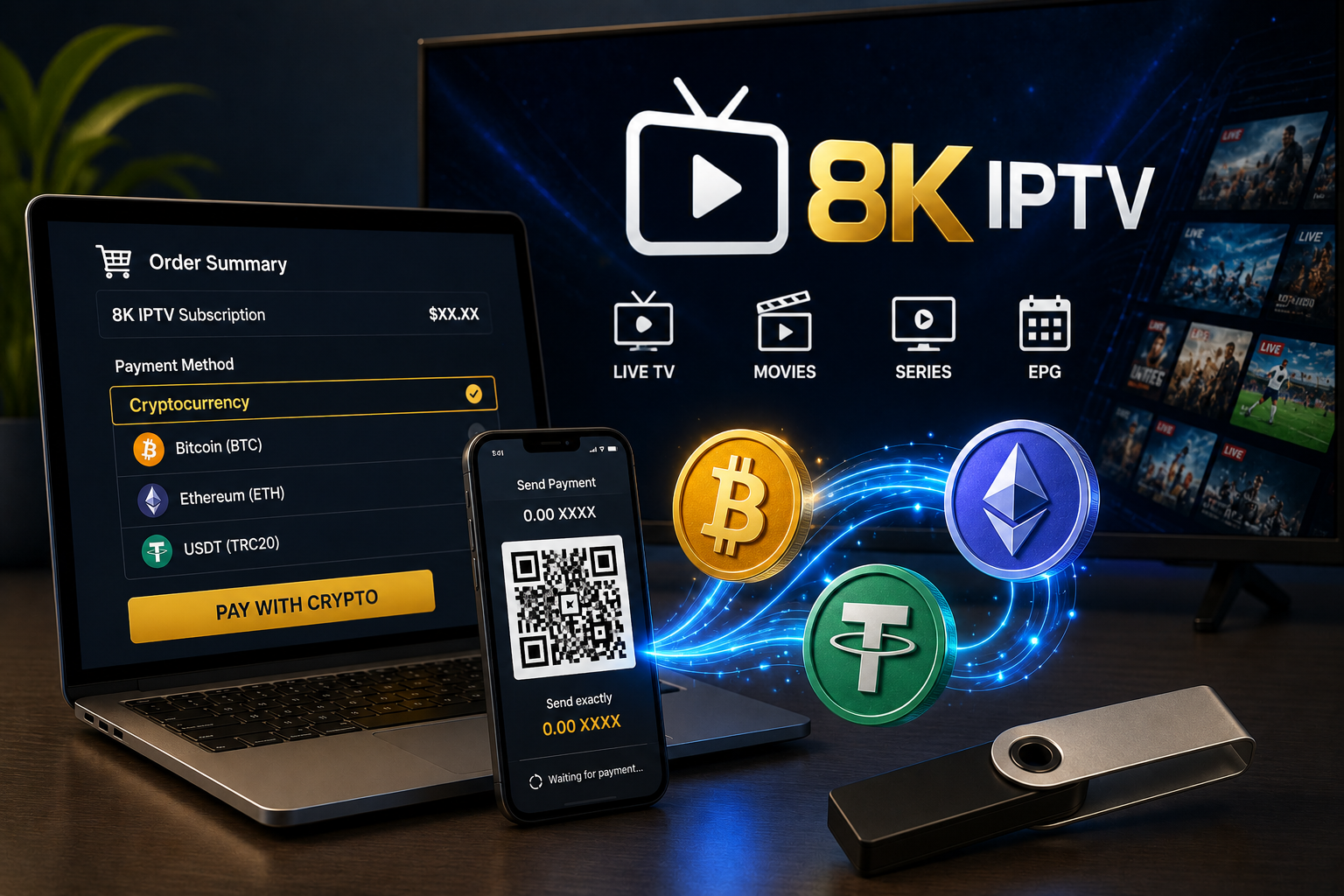
Buy an 8K IPTV subscription using cryptocurrency.
Step 6: Select Cryptocurrency
If cryptocurrency is available during checkout, select the crypto payment option. Depending on the payment system, you may see several supported cryptocurrencies.
The current 8K IPTV payment information lists BTC, ETH and USDT.
Do not send cryptocurrency until you have confirmed the exact currency requested by the checkout page.
Step 7: Verify the Blockchain Network
This is one of the most important steps when paying with cryptocurrency. Some cryptocurrencies, especially stablecoins such as USDT, are available on multiple blockchain networks.
If the payment page specifies a particular network, use exactly that network. Do not guess which network is supported.
Sending funds through an unsupported network can cause the payment to fail or become difficult to recover.
Step 8: Verify the Wallet Address
Before confirming your transaction, carefully compare the wallet address shown by the official checkout with the address displayed in your wallet.
Check the first and last characters and, when possible, use the provided QR code instead of manually typing a long cryptocurrency address.
Never use a wallet address received from an unofficial social media account, random message, or third party.
Step 9: Send the Correct Amount
Enter the exact amount requested by the payment page.
Remember that blockchain transactions may also include network fees. The amount you send and the amount the merchant receives may therefore depend on the payment instructions and network used.
If the checkout provides a payment timer, complete the transaction within the specified period.
Step 10: Wait for Confirmation
After sending the payment, wait for the transaction to be processed. Some cryptocurrency payments require blockchain confirmations before they can be recognized by a payment system.
Do not send the payment again simply because your subscription credentials have not arrived immediately.
First check your transaction status and order confirmation.
What Happens After You Pay?
After successful payment and activation, the 8K IPTV subscription information states that customers can receive login details such as M3U or Xtream Codes.
These credentials can then be added to a compatible IPTV player.
Keep your order confirmation and transaction information until the subscription has been successfully activated.
How to Use Your 8K IPTV Credentials
Once you receive your credentials, the exact setup depends on the IPTV player you choose.
M3U Playlist
If your subscription provides an M3U playlist URL, open a compatible IPTV player and look for an option such as Add Playlist, M3U URL, or Playlist URL.
Enter the complete M3U URL exactly as provided and save it.
Xtream Codes API
If you receive Xtream Codes credentials, your IPTV application may ask for:
- Server URL
- Username
- Password
Enter each field exactly as provided. Avoid adding spaces before or after your username or password.
M3U vs Xtream Codes
M3U and Xtream Codes are two common ways of connecting an IPTV player to a compatible service.
An M3U playlist generally provides playlist information through a URL, while Xtream Codes API normally uses a server address, username and password.
The best option depends on what your IPTV provider supplies and which connection method your IPTV application supports.
For a more detailed comparison, see our IPTV guides .
How to Buy 8K IPTV Subscription With Crypto for Firestick
If you plan to use your subscription on an Amazon Fire TV device, the process starts with installing a compatible IPTV player.
- Set up your Firestick and connect it to the internet.
- Install a compatible IPTV player.
- Open the IPTV application.
- Select M3U or Xtream Codes.
- Enter your subscription credentials.
- Save the account.
- Wait for your playlist and categories to load.
If you experience buffering after setup, check our guide: IPTV buffering troubleshooting .
How to Buy 8K IPTV Subscription With Crypto for Smart TV
Smart TV users should first verify that their television supports a compatible IPTV application.
Samsung and LG televisions use their own app ecosystems, while Android TV devices generally use Google Play Store.
Once you install a compatible player, enter the M3U or Xtream Codes credentials provided with your subscription.
Why Choose Cryptocurrency for IPTV Payments?
Cryptocurrency can be convenient for people who already use digital assets. Instead of entering a traditional bank card number, the payment can be completed from a compatible cryptocurrency wallet.
Potential advantages include:
- Alternative to traditional card payments
- Blockchain-based transactions
- Convenient international payment where supported
- Payment directly from a compatible crypto wallet
However, cryptocurrency also has risks. Transactions can be irreversible, network fees can vary, and sending funds to an incorrect address or network can result in problems.
Important Things to Check Before Paying
Before you buy 8K IPTV subscription with crypto, use this checklist:
- Verify that you are on the official website.
- Check the subscription plan.
- Check the duration.
- Check the connection limit.
- Check the total amount.
- Check the cryptocurrency.
- Check the blockchain network.
- Verify the payment address.
- Keep your transaction ID.
- Keep your order confirmation.
What If Your Crypto Payment Is Pending?
If your wallet shows that the transaction has been sent but your order is still pending, do not immediately make another payment.
First locate your transaction ID or transaction hash and check its status on the appropriate blockchain explorer.
You can learn more about blockchain transactions through this blockchain guide .
If the transaction is confirmed but the order has not been activated, contact the official support team and provide your order information and transaction ID.
What If You Used the Wrong Network?
If you accidentally send cryptocurrency through the wrong network, do not send another payment immediately.
Contact the official merchant support and provide the transaction information. Recovery may depend on the cryptocurrency, network and payment system involved.
This is why checking the network before sending cryptocurrency is extremely important.
Can You Get a Refund After Paying With Crypto?
Cryptocurrency payments can have different refund procedures from traditional card payments.
The current 8K IPTV terms contain information about refunds, payment finality and situations in which a refund may be considered.
Always read the latest 8K IPTV Terms & Conditions before purchasing.
Is There an 8K IPTV Free Trial?
If you are unsure about compatibility, checking for a trial before purchasing a longer subscription can be useful.
The official website currently advertises a 24-hour free trial.
Visit the official 8K IPTV free trial page for the current availability and conditions.
Common Problems After Buying IPTV
Payment Completed but Credentials Have Not Arrived
Check your email inbox and spam folder first. Verify your order status and transaction confirmation. If your payment has been confirmed but your credentials are missing, contact official support.
Credentials Do Not Work
Make sure the server URL, username and password are entered exactly as provided. Check for extra spaces and spelling mistakes.
Playlist Loads but Channels Buffer
Buffering can be caused by Wi-Fi, network congestion, device performance, application problems or the streaming source.
Test another channel and, if possible, another network to determine where the problem is coming from.
EPG Is Missing
EPG availability depends on the playlist, account configuration and IPTV player. Try refreshing the playlist and checking the EPG settings in your application.
Crypto Payment Safety Checklist
When you buy 8K IPTV subscription with crypto, take a few extra seconds to verify the transaction.
- Use the official website.
- Never trust unofficial payment addresses.
- Verify the cryptocurrency.
- Verify the blockchain network.
- Verify the amount.
- Check the wallet address.
- Never share your private wallet keys.
- Keep your transaction ID.
Final Thoughts
If you want to buy 8K IPTV subscription with crypto, the process is simple as long as you carefully follow the official payment instructions. Start by choosing the right subscription plan, check your device compatibility, and review the available payment methods.
The currently listed cryptocurrency options include Bitcoin, Ethereum and USDT. Before sending funds, verify the exact cryptocurrency, blockchain network, wallet address and payment amount.
After your payment is confirmed and your subscription is activated, you can use the supplied M3U or Xtream Codes credentials with a compatible IPTV player.
If you are new to IPTV, testing your device and connection first can help avoid compatibility problems. You can also check the official free trial when available before choosing a longer subscription.
Most importantly, always use legitimate services and content you are authorized to access, and treat cryptocurrency payments carefully because blockchain transactions may not be reversible.
Ready to Get Started?
Check the latest subscription options, try the available free trial, or review the official terms before making your purchase.
Frequently Asked Questions
Can I buy 8K IPTV subscription with Bitcoin?
Bitcoin is currently listed among the cryptocurrency payment options. Always check the official checkout page for the currently supported payment method before sending funds.
Can I buy 8K IPTV subscription with USDT?
USDT is currently listed as a cryptocurrency payment option. Make sure you use the exact blockchain network specified during checkout.
Can I buy 8K IPTV subscription with Ethereum?
Ethereum is also currently listed among the accepted cryptocurrency options. Verify the payment instructions before completing the transaction.
What credentials do I receive after purchasing?
The official subscription information states that customers can receive M3U or Xtream Codes login information after activation.
Can I use the subscription on Firestick?
The official 8K IPTV subscription information lists Firestick and Fire TV among the supported platforms. You need a compatible IPTV player to enter your credentials.
Is there a free trial?
The official website currently advertises a 24-hour free trial. Check the official trial page for current availability and conditions.
What should I do if my crypto payment is pending?
Check the transaction status using your transaction ID first. Do not send another payment unless the official checkout or support team specifically instructs you to do so.